
Colleagues join without a company account
Scan QR, pick a name — no IT ticket, no SSO. Everyone's in the game within minutes.
Summer party · Christmas · offsite
Team event
Ideal for company parties, departments and mixed teams.
One person sets it up in the app — everyone joins with no company account. Challenges, gallery and leaderboard for real team moments.
Everyone joins for free. Run a free test game in the app — if it fits, buy a guest package for your event in the app.
Typical moments — no made-up quotes.
Scan QR, pick a name — no IT ticket, no SSO. Everyone's in the game within minutes.
Summer party · Christmas · offsite
Photo tasks bring departments together — introverts find an easy way in too.
Icebreaker without a moderator
All snapshots in one place — ideal for newsletter, intranet or Monday recap.
Gallery + ZIP download
3 steps
Three steps from the date to your shared team gallery.
Clarify the goal
Decide if you want icebreakers, loosening up or just fun — then pick matching tasks.
Pick tasks & share how to join
Choose challenges that fit your team. Colleagues join via QR, link or 6-digit code — or via “event nearby” / location when you’re at the same place.
Play together and recap
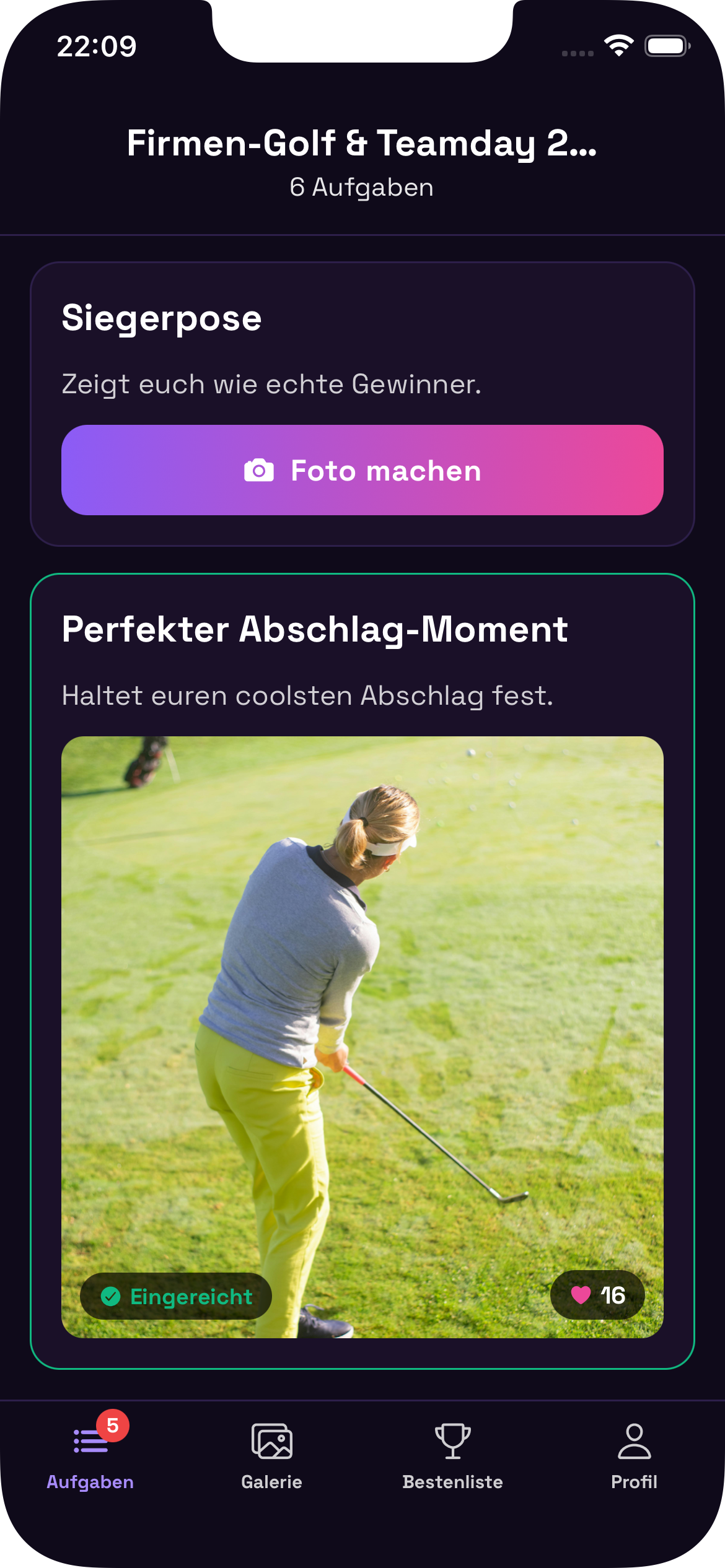
During the event, take photos and give likes; end with the gallery and leaderboard as a shared wrap-up.
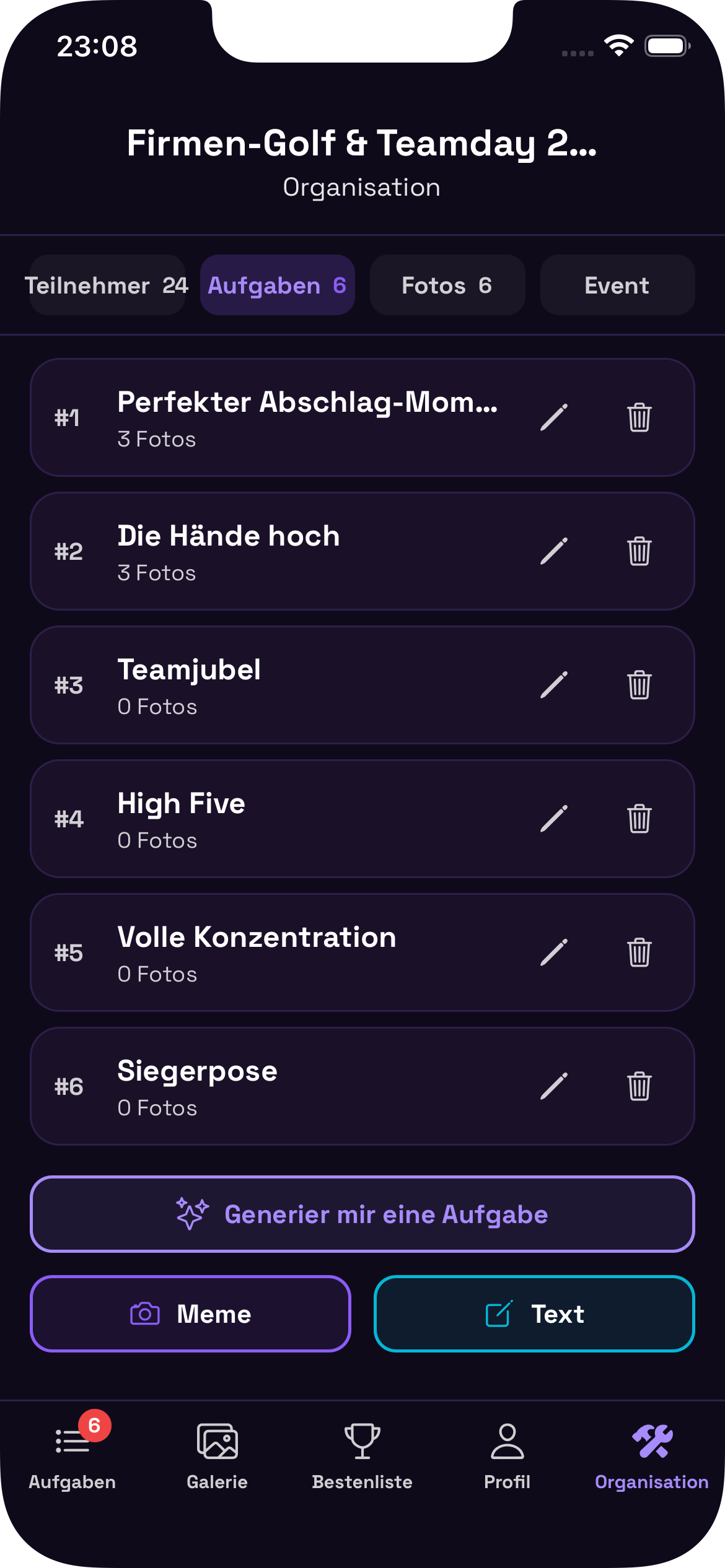
Quick overview for organisers and teams.
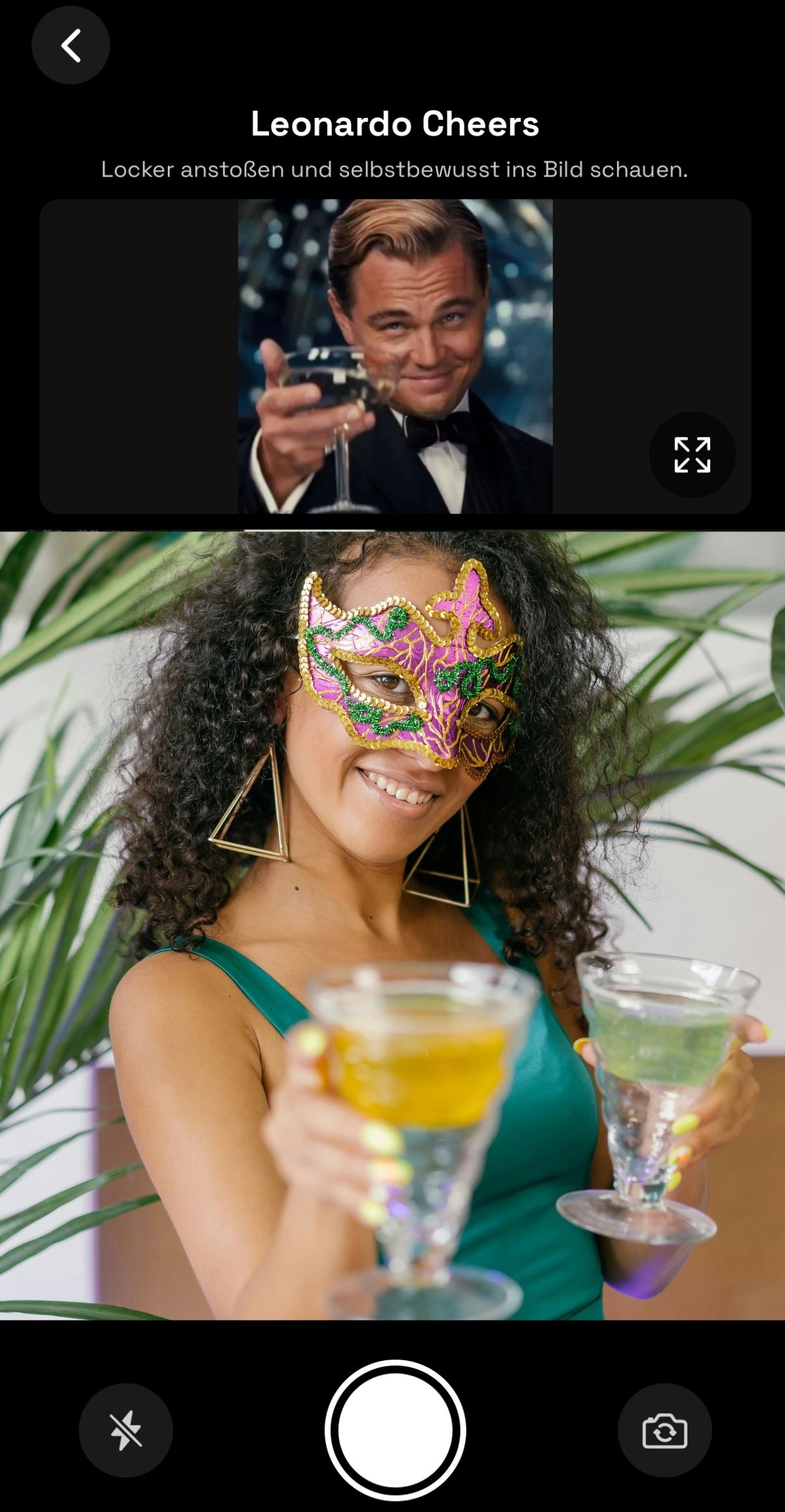
Meme mode
Set a reference image — guests recreate it and upload their version. Instant laughs in the gallery.
Set the template
As host you pick the meme or reference image for the challenge.
Guests remix
Everyone interprets the pose and vibe with camera and creativity.
One shared gallery
All submissions show up together — like, compare, scroll back for the jokes later.
QR code at the entrance or on the table – no sign-up, no accounts. Just scan and play.
From casual photo tasks to meme recreations – fits summer party, Christmas party or team building.
Who has the most likes? Show the ranking at the end – and all photos in one place to share.
You only pay by guest count – tasks are unlimited in every package.
Live event from 4,99 €
≈ €0.40 per guest at 25 people — less than one drink
Free
test game first
4,99 €
for the live event
€0
for your guests
You choose a package with a maximum number of participants (e.g. up to 10, 25, 50 or 100 guests). The price depends only on this cap.
Photo tasks and memes are unlimited in every package – no extra cost, no add-ons.
Choose guest count to see the price
Your event
≈ per participant
All prices shown are introductory launch prices for Schnappschuss.
Try free in the appInstall the app, create an event for your summer party, offsite or Christmas do, try once for free, then pick your guest package in the app.
One person is host in the app — colleagues join with no company account.
No. They download the free app, scan the QR code or enter the code — just a name, no account.
Yes. Create an event, pick tasks and share the QR code — e.g. at the entrance or on tables. That's enough.
Yes. Tasks are clear and easy to join — introverts and extroverts both find a comfortable way in.
Yes, anyone taking part needs the free app (iOS/Android). No company accounts required.
24 hours of uploads and likes, then no new uploads — the gallery stays visible. Photos are deleted afterwards; see our Privacy Policy.
Yes. Choose a package by headcount — small departments can start too, including a test game.
We only process data needed for the event. Details on photos and retention are in our Privacy Policy.
Try free first. Package in the app — attendees pay nothing.
Same app, different tasks — or go to the home page for all occasions and the big picture.